Mastering Digital Audio Workstations: Best Practices for Producers
If you’re a music producer, you likely know the importance of having a reliable digital audio workstation (DAW) that you can count on to bring your musical ideas to life. With so many options available in the market, it can be overwhelming to find the perfect one for your needs. In this article, we’ll take a deep dive into mastering digital audio workstations and share some best practices that can help you upgrade your production game. Whether you’re a beginner or a seasoned pro, these tips will help you make the most out of your DAW and elevate the quality of your music.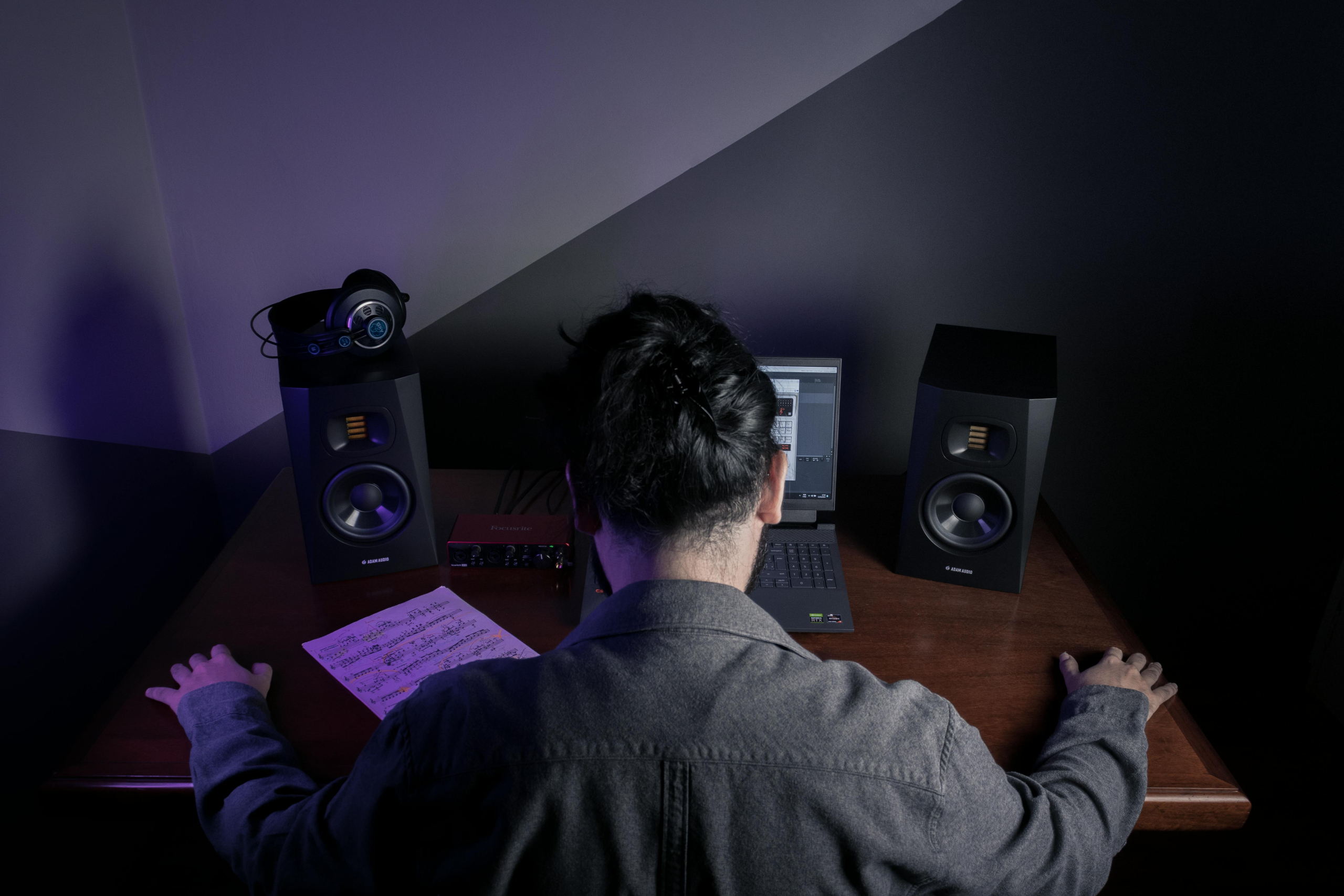
A Brief Introduction to Digital Audio Workstations
Digital audio workstations are computer software programs designed for recording, editing, and producing audio. They have become an essential tool for musicians and producers, as they allow for the creation of high-quality, professional-sounding music. With the advancements in technology, DAWs have evolved over the years, offering a wide range of features and options to meet the demands of producers of all levels.
Mastering Digital Audio Workstations: Best Practices for Producers
1. Choose the Right DAW
The first step towards mastering a DAW is choosing the right one. While it may be tempting to go with the latest and most popular DAW in the market, it’s important to consider your unique requirements and preferences. Each DAW has its own strengths and weaknesses, and it’s crucial to understand their features and capabilities before making a decision. Some popular options include Pro Tools, Logic Pro, Ableton Live, FL Studio, and Cubase.
2. Familiarize Yourself with the Interface
Once you’ve chosen your DAW, take some time to explore its interface and familiarize yourself with its layout and features. This will help you work more efficiently and save time while producing your music. Most DAWs offer customization options, allowing you to personalize the interface to suit your preferences. Take advantage of this to create a setup that works best for you.
3. Learn Keyboard Shortcuts
Keyboard shortcuts are a game-changer when it comes to working with DAWs. They can help you navigate your DAW quickly, perform tasks effortlessly, and increase your productivity. Take the time to learn the commonly used keyboard shortcuts in your DAW and make them a part of your workflow. This will save you a lot of time and effort in the long run.
4. Organize Your Sessions
Proper organization is crucial when it comes to mastering a DAW. Create a consistent file naming system for your sessions and save them in a logical folder structure. This will help you stay organized and easily find what you’re looking for. It’s also a good idea to label your tracks and color-code them for easier navigation.
5. Utilize Templates
DAWs often come with pre-made templates that can help you get started with your music production process. These templates can include instrument and effect settings, routing, and track layouts. Creating your own templates can also be beneficial, as it allows you to quickly set up your session with your go-to settings and save time in the long run.
6. Learn Your DAW’s Shortcuts and Features
In addition to keyboard shortcuts, make sure to familiarize yourself with all the features and tools your DAW has to offer. Knowing how to use them effectively will help you produce music more efficiently and achieve the desired results. Experiment with different settings and don’t be afraid to try new things. This will help you understand the capabilities of your DAW and how to make the most out of them.
7. Use Plug-Ins and Virtual Instruments
One of the major advantages of using a DAW is the access to a wide range of plug-ins and virtual instruments. These can help you create unique sounds and add depth to your music. Take the time to explore different plug-ins and instruments and learn how to use them effectively in your productions.
8. Mix and Master Your Music
Once you’ve recorded and edited your tracks, it’s time to mix and master your music. This crucial step will determine the overall sound quality of your production. Use various techniques like EQ, compression, and reverb to create a balanced and professional mix. Mastering involves finalizing your mix and making it sound its best. This includes adjusting levels, stereo imaging, and overall loudness.
9. Practice, Practice, Practice
Mastering a DAW takes time and practice. Don’t be discouraged if you don’t get the results you want right away. Keep experimenting, learn from your mistakes, and improve your skills with each session. With dedication and persistence, you’ll soon become a pro at using your DAW.
In Conclusion
Mastering a digital audio workstation can take your music production to a whole new level. Keep in mind that the key to becoming an expert is choosing the right DAW for your needs, getting familiar with its features and shortcuts, and practicing consistently. With these best practices, you’ll be well on your way to mastering your DAW and producing high-quality music in no time. Happy producing!